October 2026 Release
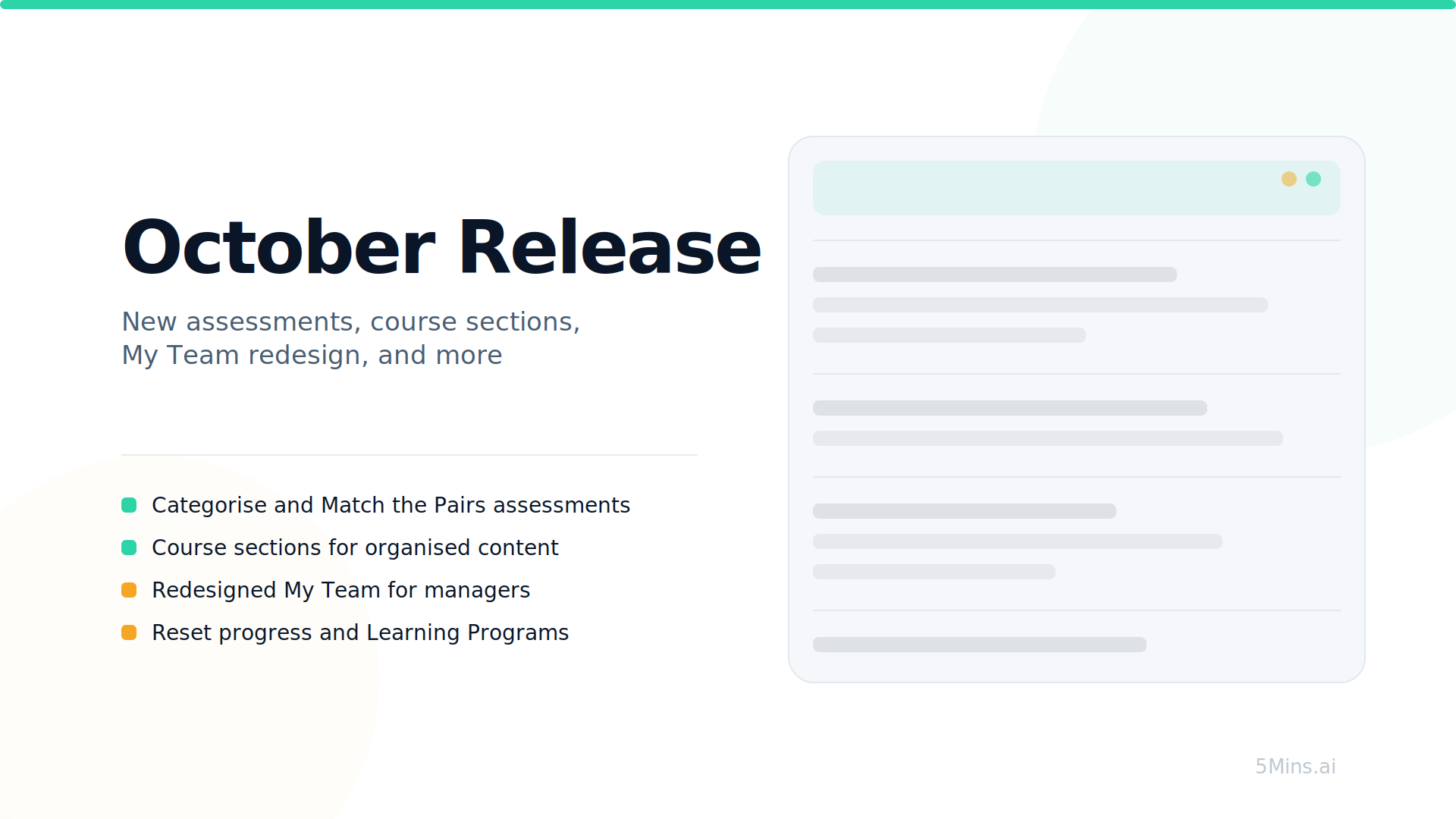
This release introduces new assessment types, course Situational Tests creation and sections, reset progress, and a redesigned My Team experience.
What's New
New Assessment Types: Categorise & Match the Pairs - Two new assessment formats are now available when creating courses. Categorise asks learners to sort items into the right groups, and Match the Pairs asks them to connect related items. Both work on web and mobile, and admin results are visible in the Assessments tab.
Course Sections - Admins can now organise course content into collapsible sections. Group related lessons, assessments, and events under named headings to give learners a clearer structure, especially in longer courses.

Reset Progress - When a learner has exhausted all quiz retake attempts without meeting the pass score, the system can now automatically reset their progress and open a fresh course attempt within the same enrolment. Admins can also manually reset any learner's progress from the enrolments table. An "Attempt no" column tracks how many attempts each learner has had.

Learning Programs - Programs are now fully available. Admins can bundle courses into a structured journey with defined sequencing and pacing controls. This release adds program banners on the home page, breadcrumbs for navigation, and a learner program page on the mobile app.

My Team Redesign - The My Team page has been rebuilt with a learner list, overdue column, column sorting, search, filters, and pagination. Managers can open a course-detail drawer for any learner, send reminders individually or in bulk, and toggle between direct reports and their full organisation.

Limited Admin Roles - Admins can now create limited admin roles scoped to specific sections and custom field values. Assign them to users from a new scope editor, restricting what each admin can see and manage.
Course Reminders & Team Progress Update
Admins can now create custom course reminders with configurable schedules, on top of the default reminder rules. Reminders can be delivered via email, Slack, MS Teams, and push notifications.
Managers now receive a recurring email summarising their team's course progress, with configurable frequency.


User Impersonation - Admins can now impersonate a learner to see the platform exactly as they do, making it easier to troubleshoot issues without asking for screenshots. Sessions are capped at 60 minutes with a clear banner and audit trail.


Situational Test Builder - Admins can now create, edit, reorder, and remove situational tests directly in the course builder, plus generate them with AI. Tests are scoped to the authoring admin's tenant and copy correctly when a course is duplicated.
User Profile Course Progress - The Course Progress tab on user profiles now includes search, sort, filters, bulk selection, and row-level actions like reset progress and send reminder.

Coming Next
Learning Games in AI Studio - AI Studio is expanding beyond video. Admins will be able to create interactive learning games directly in AI Studio, giving learners a more engaging way to practise and retain knowledge.
AI-Generated Course Assessments - Admins will be able to generate a full set of course assessments with AI directly from their lesson content. The AI reads the course's lessons and drafts questions using the assessment type that best fits the content - Multiple Choice, Categorise, or Match the Pairs. Admins review, edit, and save in one flow. Works even for courses with no lessons yet, using a topic and audience instead.
HRIS Role Mapping - A new Roles & Mapping page will let admins connect HRIS job titles to 5Mins roles. When new employees sync from your HRIS, their job title will automatically map to the right role and skill profile, so they get relevant learning recommendations from day one.
Questions or feedback? Just hit reply - we'd love to hear from you. Alternatively, you can also visit feedback.5mins.ai to give us feedback.
Cheers,
The 5Mins Team